QR Code Upload Option
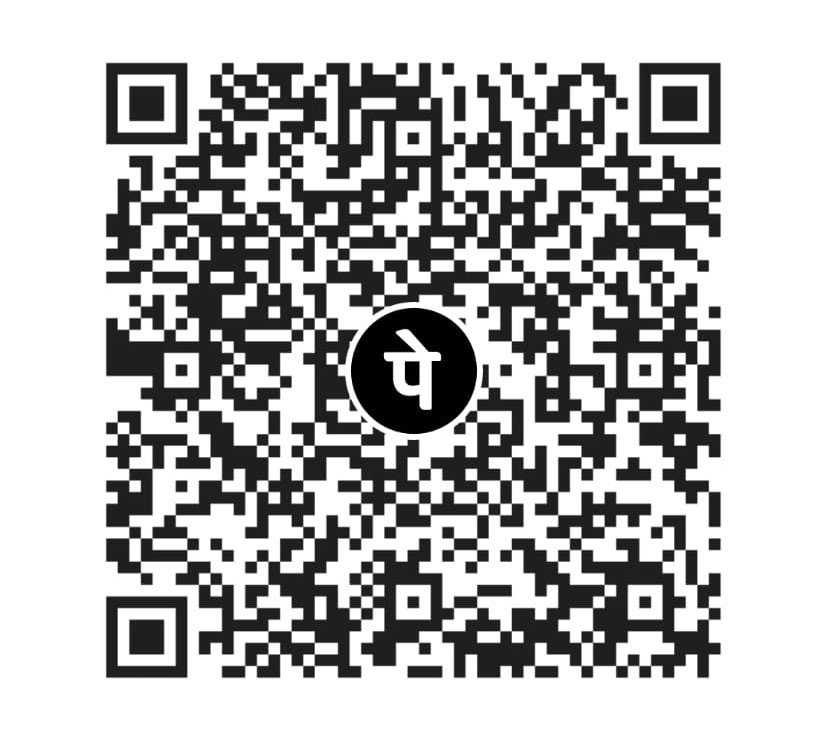
Upload your official QR image
This option lets you preview your actual QR code image before hosting. After final QR is ready, replace assets/payment-qr.jpeg with your QR image file.
For official hosting: save your QR as payment-qr.png or replace the existing payment QR asset and update image path.
Customer Payment Instructions
Send payment screenshot or UTR through the order form. STRIVE receives details at hello@strivefreelancers.com.
- Scan the QR code shown on this page.
- Pay to UPI ID: 9373682560@ybl.
- Take screenshot after payment.
- Submit UTR/Transaction ID in the order form.
- STRIVE will confirm order by email/WhatsApp.